Mobius Gauntlet
Mobius Gauntlet is a game developed by MacAlmighty/MacIndie on youtube.
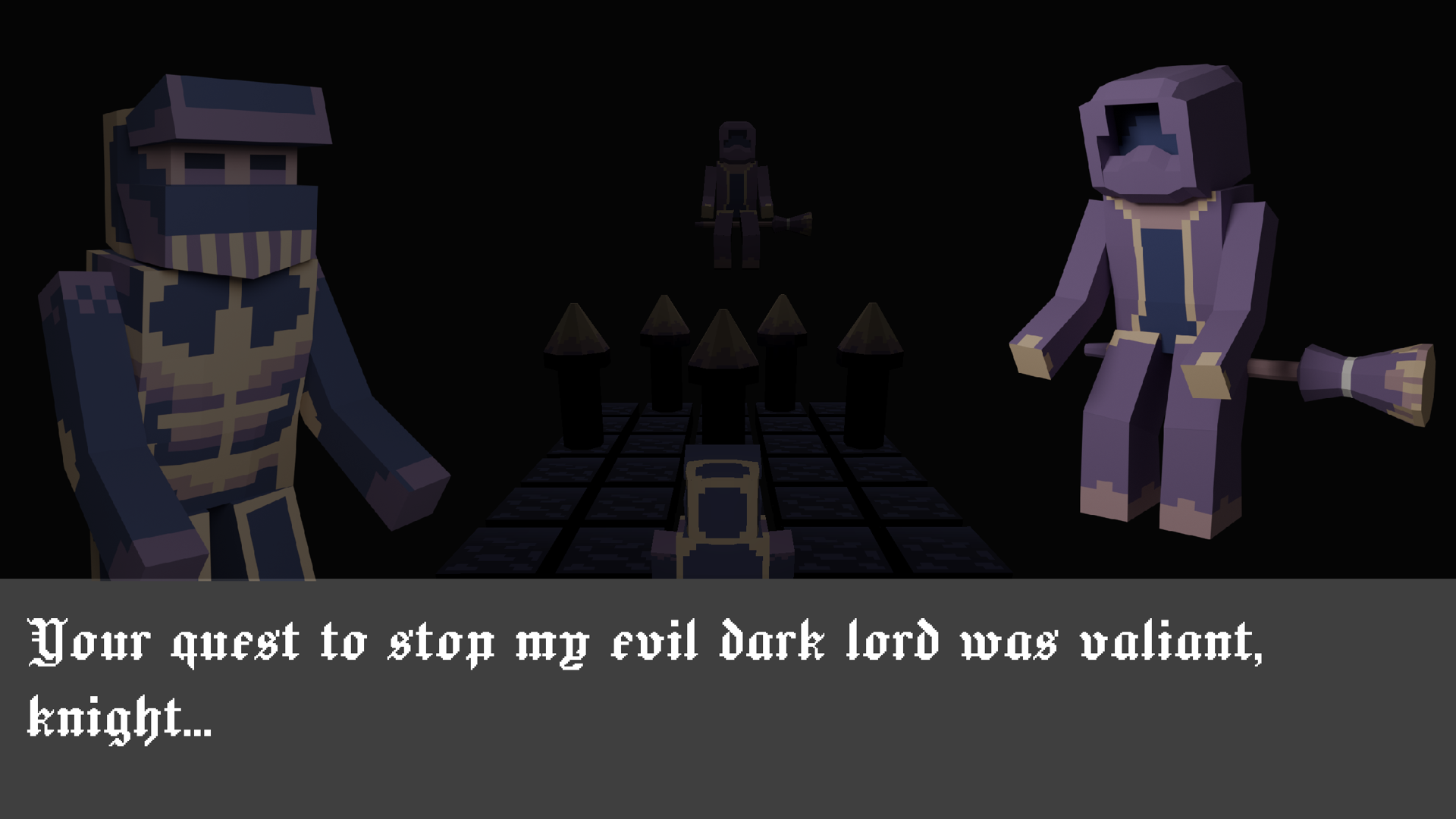
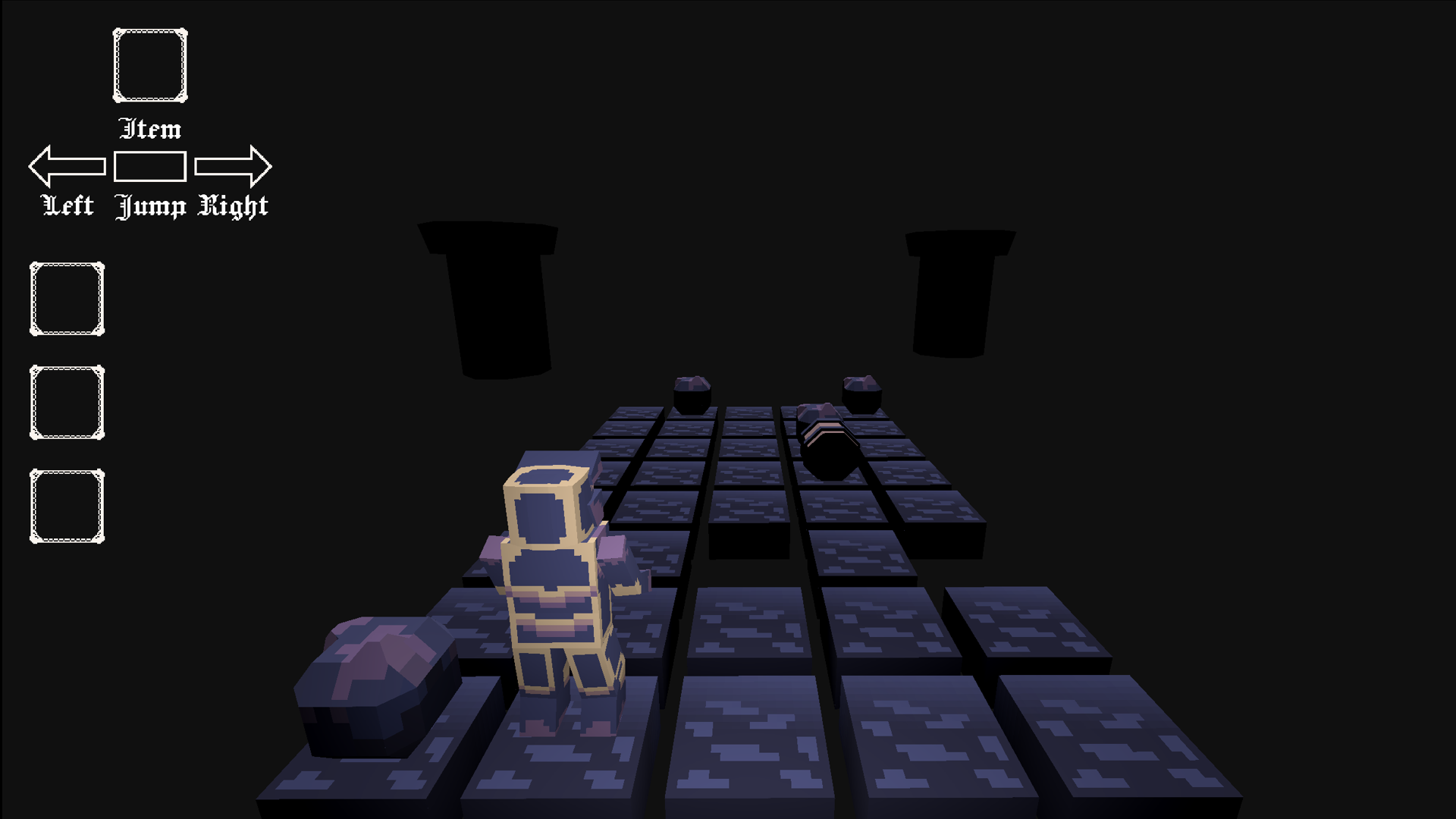
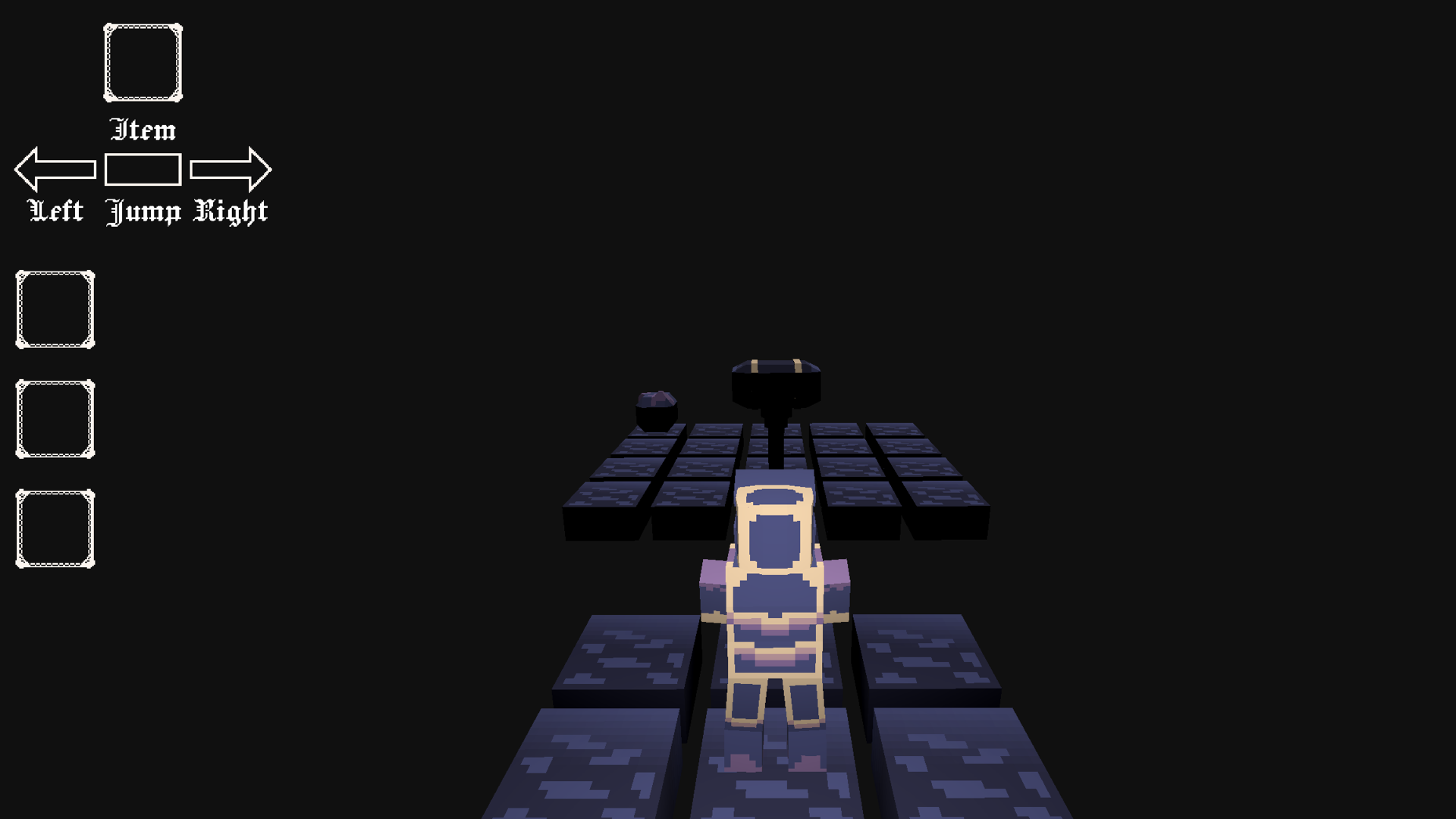
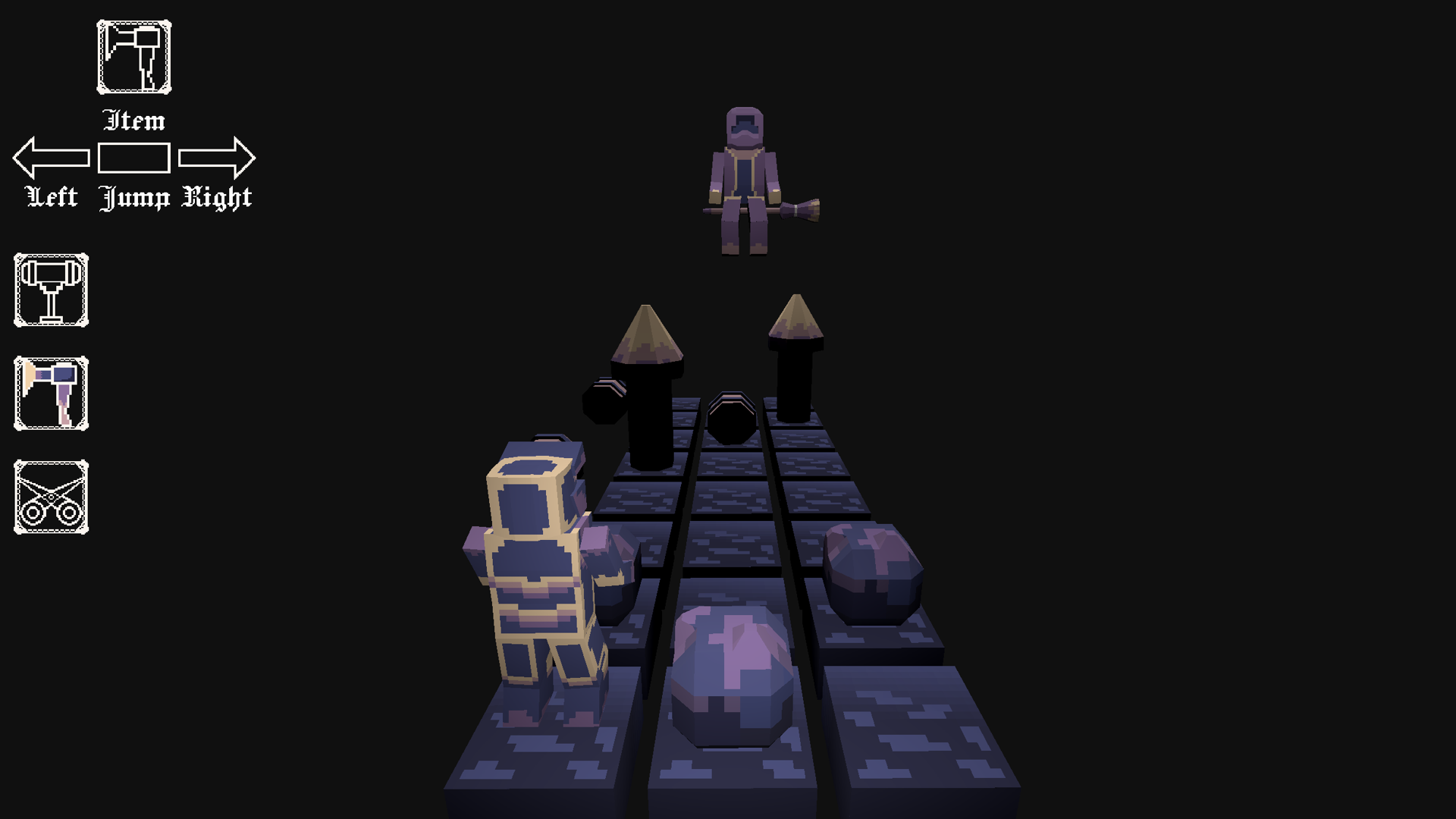
In this game, you dodge or smash your way through oncoming obstacles on a 5 column wide grid. The grid advances towards you once every second, so you have to think quick, but also tactically! If you spam through the dialogue (which there isn't a lot) and don't die, you can finish this game in less than 5 minutes, but expect about a 7-10 minute playtime.
Yes, the grid is supposed to look a little 'laggy'.
CONTROLS:
A - Move left
D- Move right
W/S - Use Item (either works, whatever's comfier for your hand)
Shift - Cycle Item
Spacebar - Jump
You can see which item you're holding or what action you have 'queued' up by checking the UI at the top left of the screen in game.
Inspiration/Theming
The theme of the jam this year was 'Loop', and I really wanted to do something with tying knots, but found out that realtime physics would be really rough on web. Since I hadn't made anything for web before (let alone 3D really), that was my goal this year.
After looking at some synonyms for loops, I stumbled across the mobius strip, and thought it might be on the rarer side for theming. Originally the idea was to have the player go through the same 3 levels but rotatate the camera to make it look like they're stuck on an unending mobius strip, but that was too disorientating during playtesting. I hope the idea behind looping through levels still comes through!
Attribution/Tools
Game Engine - Godot
3D Modeling - Mostly Blockbench, touches and image renders in Blender
UI Icons - Made in Aseprite
Fantaisie-Impromptu Op. 66 converted to MIDI and synthesis arrangement composed by TheOuterLinux https://theouterlinux.gitlab.io/
Other sound effects from Pixabay https://pixabay.com/
Oil 6 palette on lospec by GrafxKid: https://lospec.com/palette-list/oil-6
Models made in Blockbench with slight touchups in blender
UI sprites made in Aseprite
Game engine: Godot
Comments
Log in with itch.io to leave a comment.
Thanks for checking out my game!
KNOWN BUGS:
1. If you advance dialogue by pressing one of the movement keys, it will queue you up to do that action first. Sorry it's a little annoying, I couldn't figure out how to fix it, but added a couple extra rows at the start of every level to compensate.
2. If a barrel rolls onto a space with a tree, you will be able to jump over it (though you're not normally able to jump over trees). I tried adding in a method to make barrels 'bounce' off of objects but couldn't get it working in time.